Start with a clear task: build a new image, combine references or change part of an existing result. Those tasks need different briefs. Google’s March 2026 guide offers a useful distinction between generation and editing. This lesson turns that distinction into a small portfolio exercise with original Artisio prompts and credited examples from Google.
1. Write a complete visual moment
Google recommends concrete subject, action, setting, composition and style choices. It also recommends describing desired content positively. References need an explicit relationship, while edits should identify both the requested change and the content to preserve.
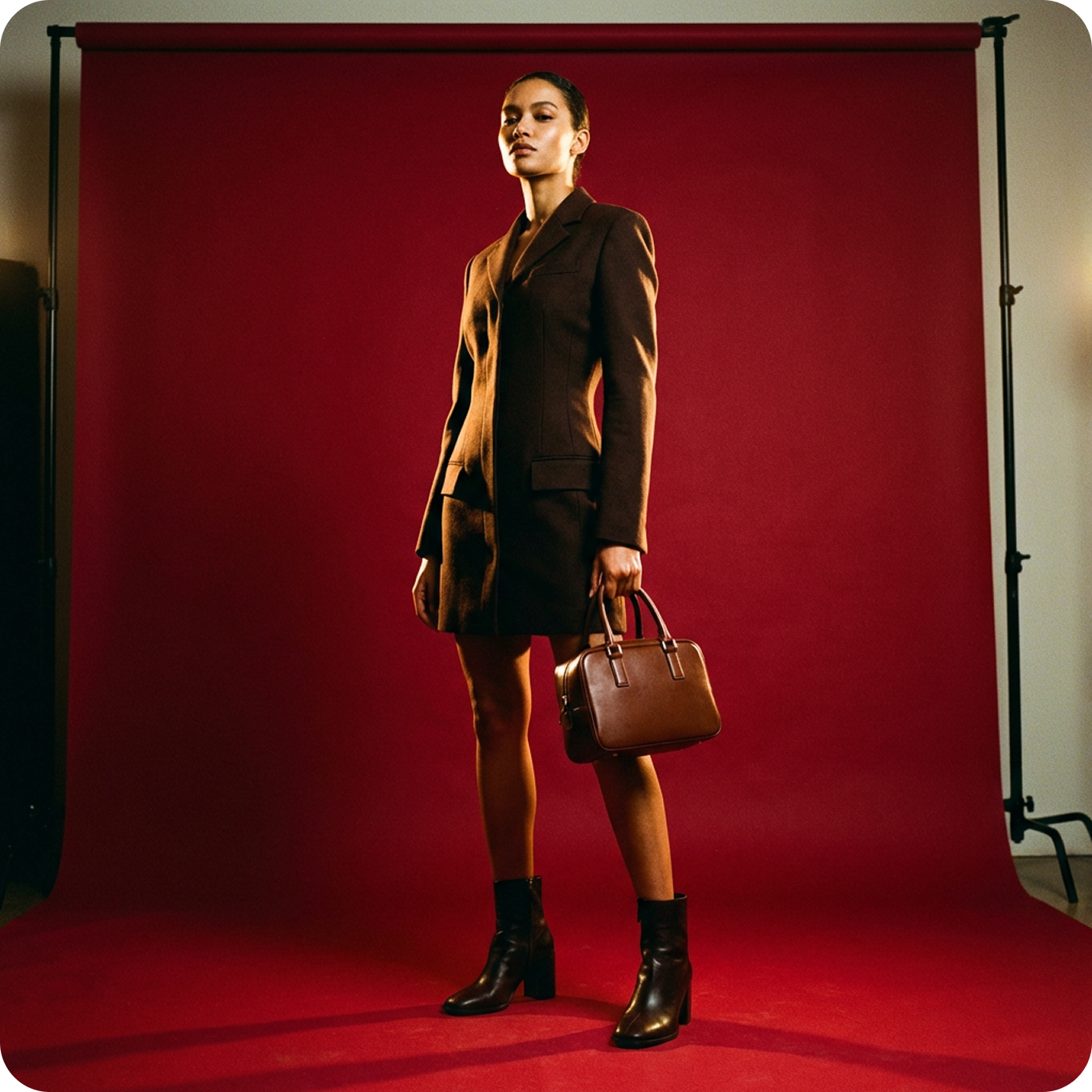
For your own exercise, design a quiet bookshop window. Begin with one visible activity and one point of attention. Make the window readable before requesting decorative details. After generating, inspect the shelves and reflected light at thumbnail size. If the scene is too busy, reduce the number of competing elements in the brief.
A small independent bookshop at dusk, viewed from the pavement through a large front window. One bookseller arranges a single open illustrated book on the display table. Warm interior light contrasts with a muted cool street. Medium-wide eye-level composition, a readable focal point on the open book, natural glass reflections, restrained editorial photography, believable paper and wood textures.2. Separate the roles of two references

Choose a drawing of a reading chair and a photograph of fabric. Decide which features should transfer from each. Treat the chair drawing as a shape constraint and the fabric as a surface constraint. Compare the resulting silhouette with the sketch before judging whether the textile looks attractive.
Use the attached chair sketch for the proportions, curved back and leg placement. Use the attached woven fabric photograph only for the upholstery texture and muted green colour. Place the chair in a simple reading corner with a cream wall and soft daylight. Preserve the sketch’s shape; do not copy the fabric photograph’s background or add another chair.3. Request one local revision

Inspect your bookshop result and choose one distraction. Perhaps a bright sign steals attention from the book. Ask for that element to change while listing the successful decisions to retain. Compare the revised image with the original at the same size. Pay particular attention to the book, shelf alignment and the direction of window light.
In the existing bookshop image, replace only the bright sign at the upper-right of the window with a small plain cream card. Keep the bookseller, open illustrated book, shelves, camera position, reflections and warm interior lighting consistent. Preserve the rest of the composition and the original photographic finish.4. Specify text, then proofread it
Google’s text guidance uses quoted wording and a description of type style. Generated text still deserves a manual proofread. Choose a short phrase, inspect individual letters and check whether the spacing works at the intended viewing size.

A simple editorial poster for a neighbourhood drawing workshop. Exact headline: "OPEN STUDIO". Large clean white sans-serif letters on a charcoal background, carefully spaced and fully readable. Beneath the headline, one small warm-toned photograph of pencils beside a sketchbook. No additional words. Keep the layout quiet, with generous margins.Build a useful comparison
Save the initial image and one edited version.
Write down which reference controls shape and which controls surface.
Check whether untouched areas changed unexpectedly.
Proofread every generated word before using the image.
Select the available Nano Banana model and output settings in your tool. Search grounding and editing options depend on the current integration. Source illustrations and the new practice prompts are separate examples; no exact reproduction is promised.