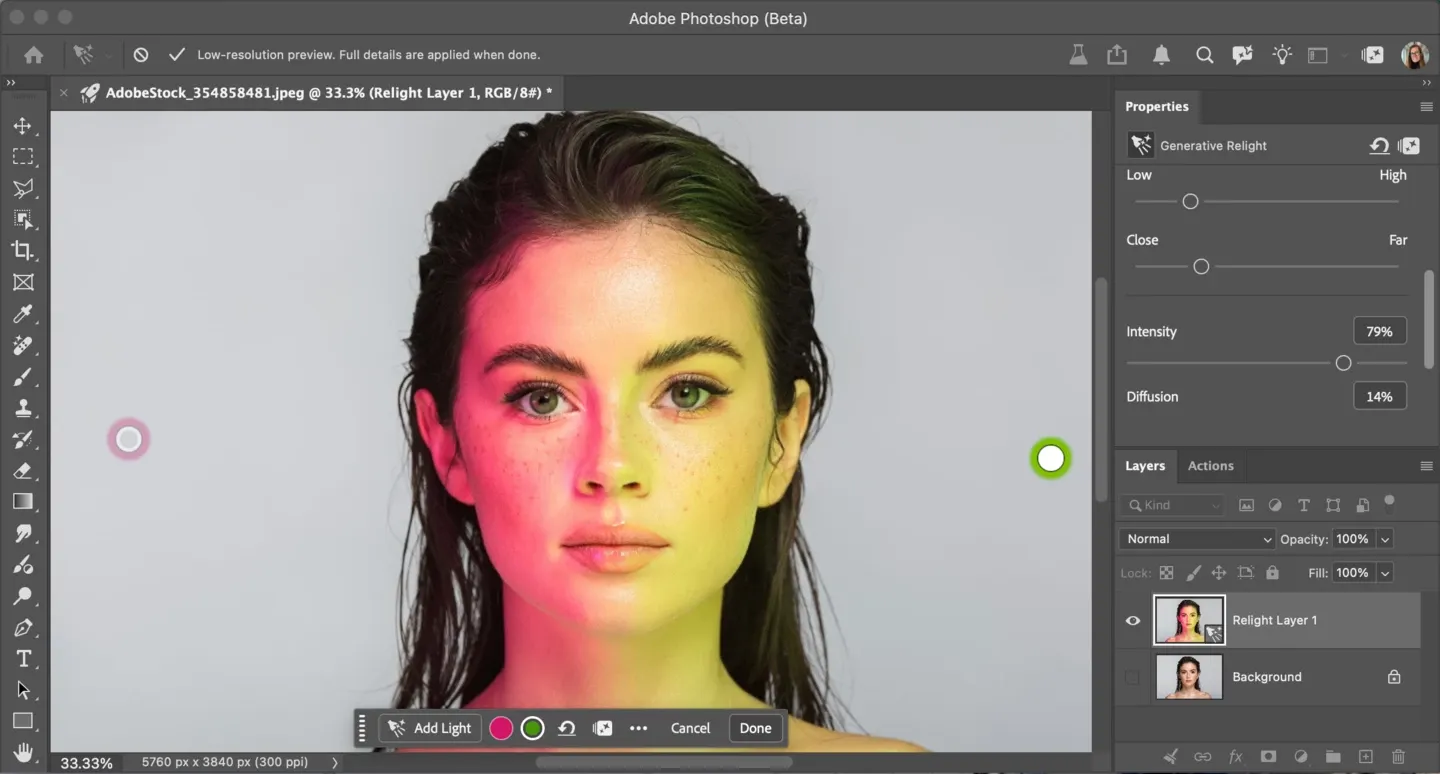
Adobe has introduced Relight, a generative AI feature in the Photoshop desktop beta that allows users to add and manipulate multiple interactive light sources on an image, aiming to enable post-shoot relighting with real-time preview.
Relight removes the original lighting setup and replaces it with up to three individually adjustable artificial lights, which can be toggled on or off to mimic real-world lighting control without altering the original pixels.
Early user reactions online are mixed: some praise its potential to streamline light painting and retouching workflows, while others criticize its tendency to produce soft, unnatural textures that resemble 3D avatars more than realistic portraits, raising questions about AI’s artistic influence.
Using Relight in Photoshop Beta
To apply Relight, open an image in Photoshop beta (version 27.10), then select Layer › New Relight layer.